
#1 Wplace Pixel Art Converter
Effortlessly convert any image to Wplace-compatible pixel art. Perfect color matching, smart resizing, and privacy-first local processing. Free for all Wplace players.
🎨 100% Free & Unlimited Conversion
from 99+ happy users
What is Wplace Pixel Art Converter?
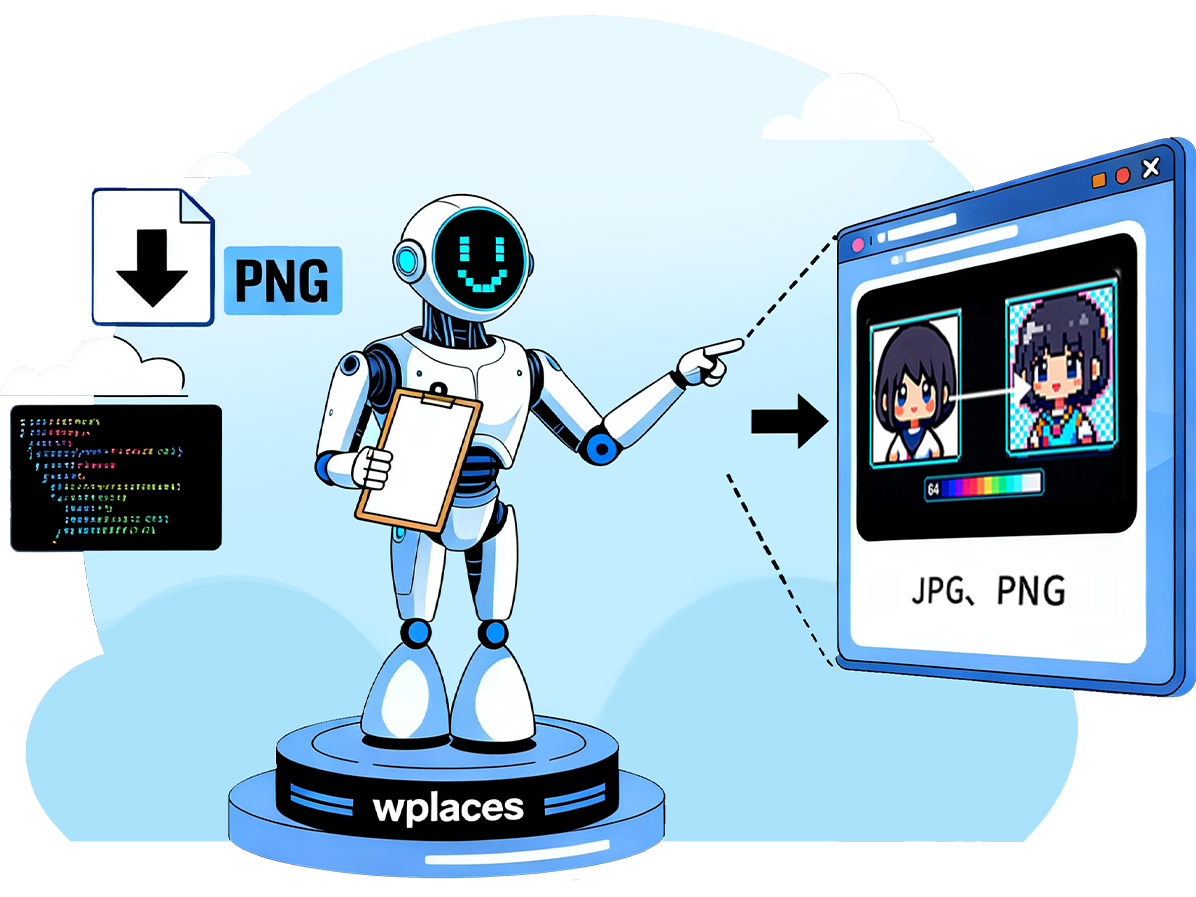
Wplace Pixel Art Converter is a free, privacy-first tool for Wplace.live players. Instantly transform any image into pixel art using the official Wplace 64-color palette, with advanced color matching and smart resizing.
- Perfect Color MatchingAdvanced Delta-E algorithm finds the closest match in Wplace's 64-color palette.
- Smart Image ProcessingIntelligent resizing, customizable dithering, and multiple scaling algorithms.
- Privacy FirstAll processing happens locally in your browser. Your images never leave your device.
Why Choose Wplace Pixel Art Converter?
Designed for Wplace.live projects. Free, unlimited, and optimized for pixel-perfect results.


How It Works
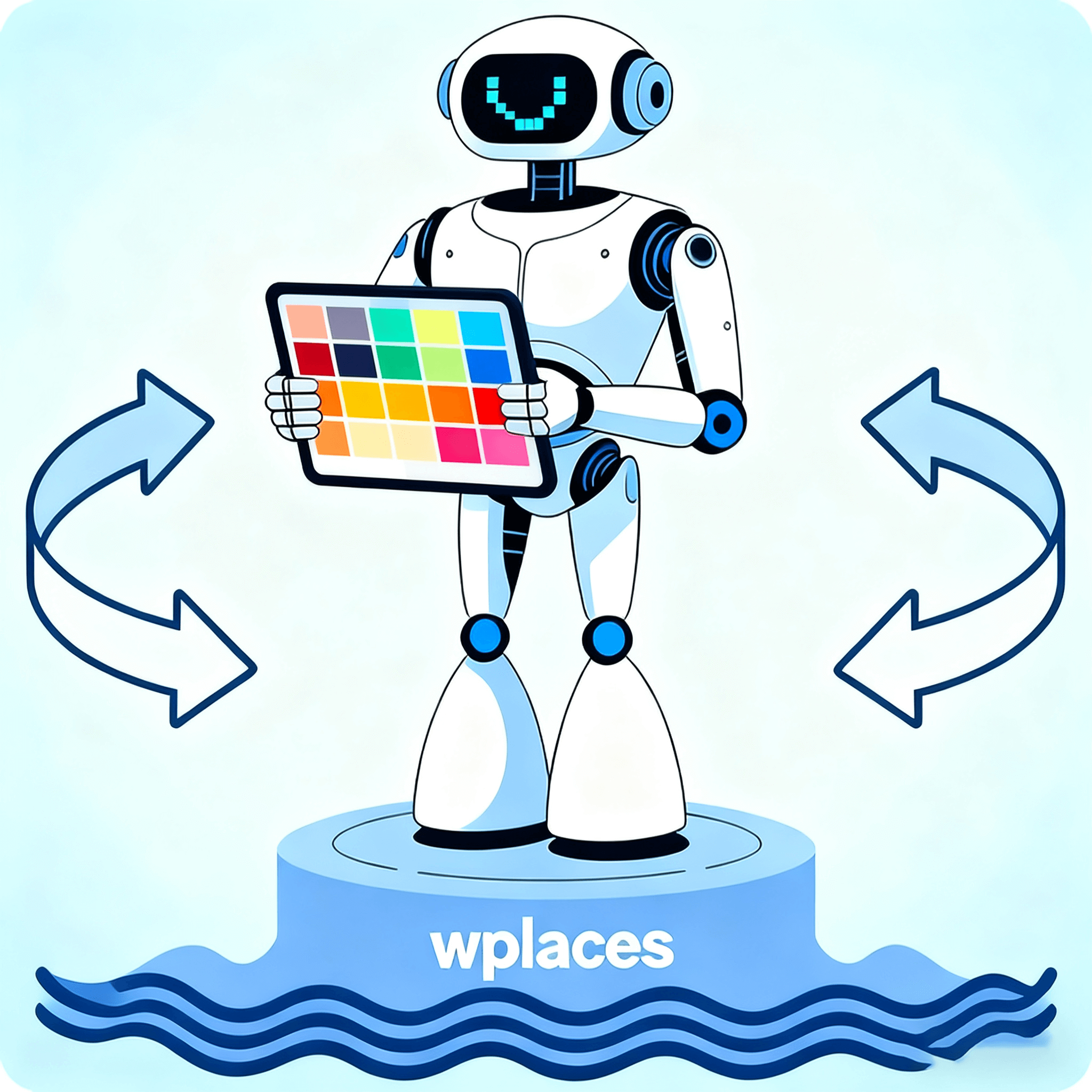
Transform any image into Wplace-ready pixel art in 4 simple steps:
Powerful Features
Professional tools for dedicated Wplace pixel artists.
Official 64-Color Palette
Complete palette with free/premium color identification.
Customizable Grid System
Adjust pixel block sizes and toggle grid overlays for precise placement.
Smart Color Analysis
View color statistics, ratios, and estimated costs for planning.
Batch Processing
Process multiple images efficiently for collaborative projects.
Multiple Scaling Algorithms
Choose Nearest, Bilinear, or Lanczos for best results.
Floyd-Steinberg Dithering
Optional dithering for smoother color transitions.
Export Options
Download as PNG, export as JSON, or copy coordinates for Wplace.live.
Browser Extensions
Auto-drawing tools and UI enhancements for Wplace.live.
Trusted by Wplace Players Worldwide
Join thousands of creators using our free tools for Wplace.live.
Converted Images
2M+
To Wplace pixel art
Active Users
100K+
Monthly
Templates Created
10K+
Community
What Players Say
Real feedback from creators using Wplace Pixel Art Converter.
Daniel E.
Pixel Artist
This is hands down the best converter I've ever tried. The dithering effect paired with the custom palette makes my sprites look exactly how I envisioned them. It's like bringing my digital art dreams to life perfectly.
Addy O.
Game Dev
The Nearest, Bilinear, and Lanczos options are total game - changers. I can match the scaling to each photo precisely and still keep all the tiny details intact. It's super clutch for getting the right look.
Sindre S.
Community Creator
I absolutely love the 'used colors' panel. It tells me exactly which premium colors I'll need before I even start painting in Wplace. No more guessing or running out of colors mid - project!
Kevin C.
Wplace Player
The grid info shows the exact blocks both horizontally and vertically. I can size my canvas perfectly for Wplace before I even start painting. It takes all the guesswork out of setup.
Kent D.
Palette Enthusiast
I start by using 'Select Basic Colors' and then add a few premium hues. This little trick makes painting on the official board so much faster and cheaper. It's a huge time and cost saver.
Guillermo R.
Creator
The crisp preview and one - click download give me a clean reference. I just open Wplace and start painting—no more second - guessing or messing around. It's so straightforward.
Frequently Asked Questions
Find answers to common questions about Wplace Pixel Art Converter.
What is Wplace.live and why do I need color conversion?
Wplace.live is a collaborative pixel art platform. Our converter ensures your images use the official Wplace palette for perfect compatibility.
What color formats does the converter support?
Supports HEX, RGB, HSL, and color names. Converts any color to the closest Wplace palette match.
How accurate is the color matching algorithm?
Uses advanced Delta-E color difference algorithms for precise palette matching.
Can I convert images to Wplace pixel art?
Yes! Upload any image and instantly convert to Wplace-compatible pixel art.
Are there any usage limits or fees?
No limits, no fees. 100% free for all Wplace players.
How do I use the converted colors in Wplace.live?
Download PNG, export JSON, or copy coordinates for direct use in Wplace.live.
Is my data safe when using this tool?
Absolutely! All processing is local in your browser. Your images never leave your device.
Ready to Create Amazing Pixel Art?
Join thousands using our free tools for Wplace.live.