
Girl with a Pearl Earring
Stylized pixely version of Girl with a pearl earring , Create and share pixel art templates for Wplace.live collaborative projects
Original Image
Pixel Art Result ✓ Ready
Pixel Block Size: 4px
Statistics
Grid Information
Dimensions: 0 × 0
Block Size: 4px
Used Blocks: 0
Color Usage
Unique Colors: 0
Free Colors: 0 types, 0 blocks
Premium Colors: 0 types, 0 blocks
Est. Cost: $0.00
Official Wplace Color Palette
How to Use the Wplace Template Planner
🖼️
Design Your Canvas
Set the size of the canvas, select a tool from the toolbar, and then you can use the official Wplace color palette to create pixel art.
🖌️
Master the Wplace Paint Tool
The brush is used for drawing, the eraser can erase content, the color picker allows color selection, and the selection tool enables moving areas. Hover your mouse over a tool, and you will see a tooltip.
📤
Export Wplace Templates
Export your Wplace template as a JSON format for sharing, or copy the coordinates to use for direct placement on the Wplace.live canvas.
Real Wplace.live Template in Action
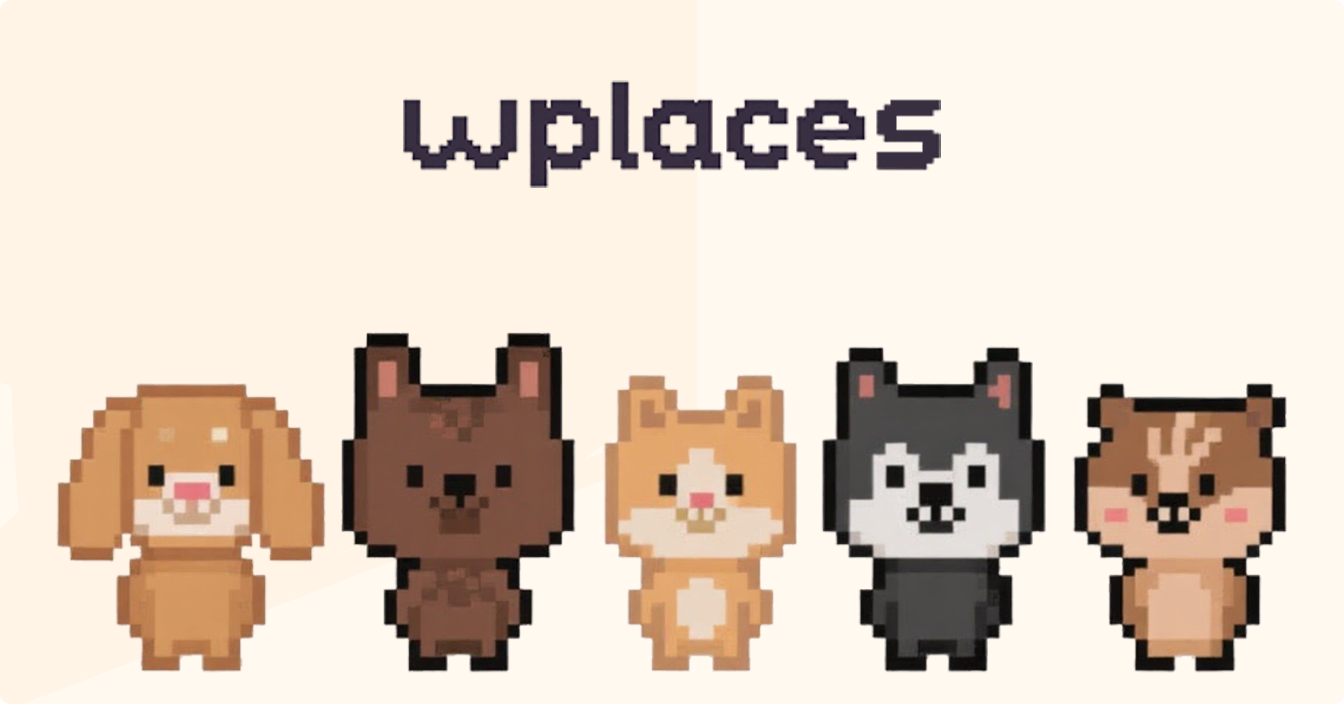
See how templates look on actual Wplace.live canvas with pixel-perfect placement.
🎨
Need Inspiration?
Come explore our community template gallery, where you can find creative inspiration and time-tested designs. You can draw inspiration from other artists' works, and also use existing Wplace templates as a starting point for your own creations.
Wplace Template Tools Comparison
TP
Template Planner
- Create a complete custom template from scratch
- Deep integration with the official 64-color Wplace standard palette
- Support for JSON format export to facilitate efficient team collaboration
- Equipped with advanced editing tools featuring undo/redo functions
- Adopt an operation interface with mobile-responsive design
- Provide coordinate generation tools for manual placement
BM
Blue Marble
- Browser extensions for Wplace.live overlay functionality
- Conversion between images and templates
- Real-time display of canvas overlay effects
- Requires use with existing images or templates
- Provides operational guidance for manual pixel placement
- Supports advanced coordinate systems
WO
Wplace Overlay Pro
- Professional-grade overlay function management
- Support for multiple templates running simultaneously
- Equipped with an intelligent color conversion algorithm
- Featuring team template sharing functionality
- Providing accessibility support and color-blind friendly mode
- Boasting advanced template positioning capabilities
Team Collaboration Workflow for Wplace Templates
🗂️
Project Planning
Define the scope of the pixel art project, divide the respective responsible sections among team members, and at the same time build a suitable color scheme using the Wplace template.
🎨
Template Creation
Each team member uses the Wplace Template Planner to create the template section they are responsible for, ensuring that all sections maintain a consistent style.
📤
Template Sharing
Export the template as a JSON file, which can be shared via Discord, Google Drive, or your commonly used collaboration platform.
🤝
Coordinated Execution
Import the template into overlay tools like Blue Marble, then synchronously perform placement operations on the Wplace.live canvas.
Frequently Asked Questions
Advanced Template Creation Features
Precision Tools
With our advanced grid system, you can achieve pixel-level precision in your creative work. The infinite canvas supports a zoom range from 0.2x to 5x, making it easy to handle both large-scale compositions and the refinement of complex details.
- Infinite canvas with panning and zooming capabilities
- Customizable grid size (ranging from 8x8 to 64x64)
- Real-time display of pixel coordinates
- Real-time canvas position tracking

Smart Color System
In addition to the standard Wplace color palette, our system is also integrated with intelligent color matching and conversion tools. Simply import an image into the system, and it will be automatically converted to colors that meet the requirements of Wplace templates.
- Automatically enforces the usage rules of palette colors
- Features a color similarity matching algorithm
- Equipped with an indicator for distinguishing between premium colors and free colors
- Includes a color picker tool for precise color sampling

Export Options
A variety of export formats ensure compatibility with different workflows. Among them, the JSON format can fully retain all creation data of the Wplace template for easy subsequent editing; while the coordinate export function can be seamlessly integrated with various placement tools.
- JSON template format for collaborative sharing
- PNG image export option for reference viewing
- Coordinate data supporting the use of automation tools
- Browser extension compatibility

Region Management
The selection tool provides advanced area manipulation capabilities for creating complex Wplace templates. By selecting rectangular areas and moving them on the canvas, you can flexibly experiment with different composition designs.
- Drag to complete area selection
- Display preview when moving the selected area
- Translucent effect for movement preview
- All operations can be undone/redone
Template Creation Best Practices

Design Guidelines
- Start with simple shapes and gradually add details to ensure the design remains clear across different zoom levels
- Choose high-contrast colors to make your design clearly visible and easy to recognize even from a distance
- When determining the size and complexity of the template, fully consider its final placement position on Wplace.live
- Test whether the design meets expectations by zooming out to view how the design appears at the actual canvas scale

Collaboration Tips
- Share Wplace templates in JSON format with team members to facilitate collaborative editing and further improvements
- Use names and detailed descriptions that reflect the template content, allowing others to clearly understand your original design intent
- Before advancing large-scale projects, make good plans by creating small, subsequently spliceable Wplace template sections
- Organize and document color selections and design decisions to facilitate collaboration and coordination among team members